What is the best Markdown viewer for Android?
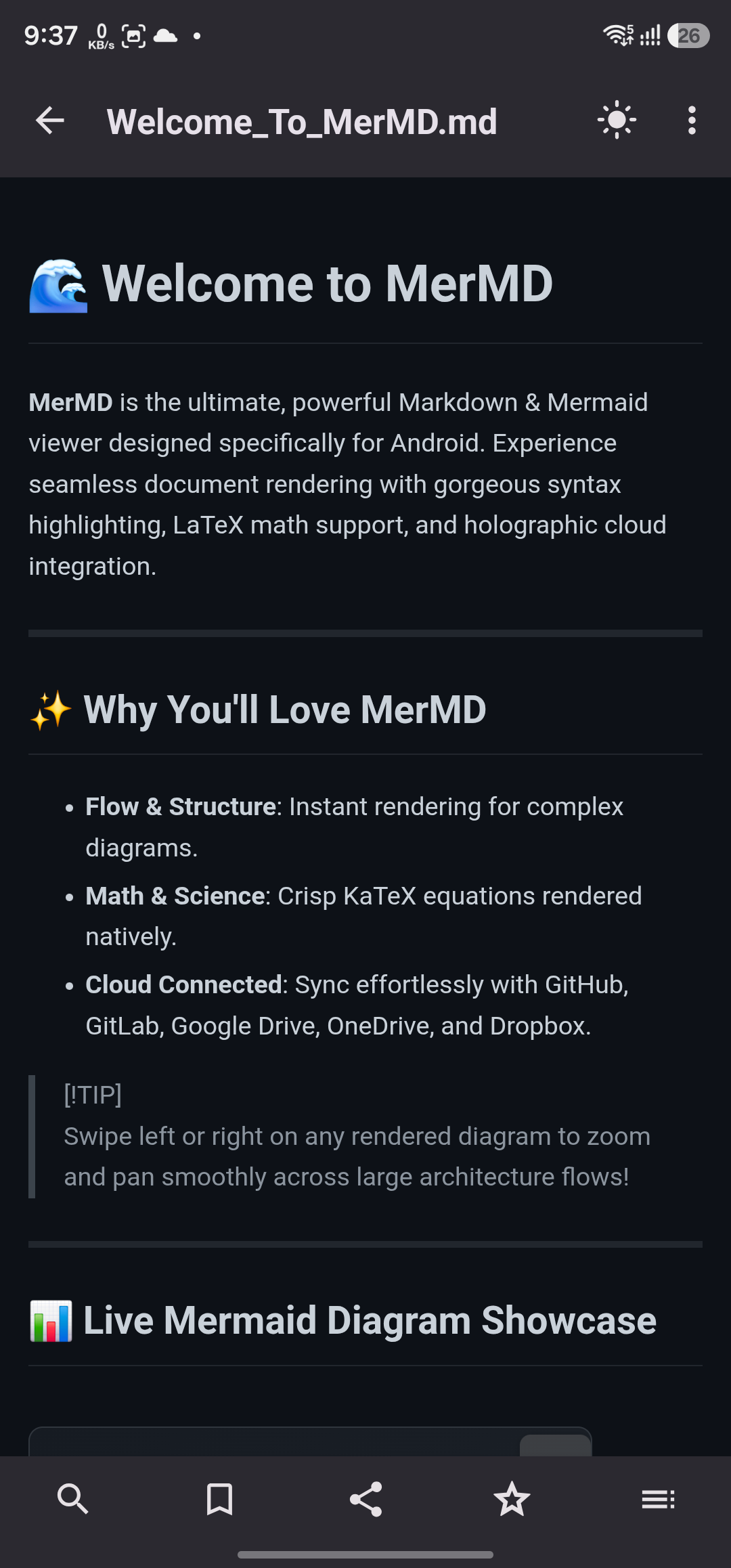
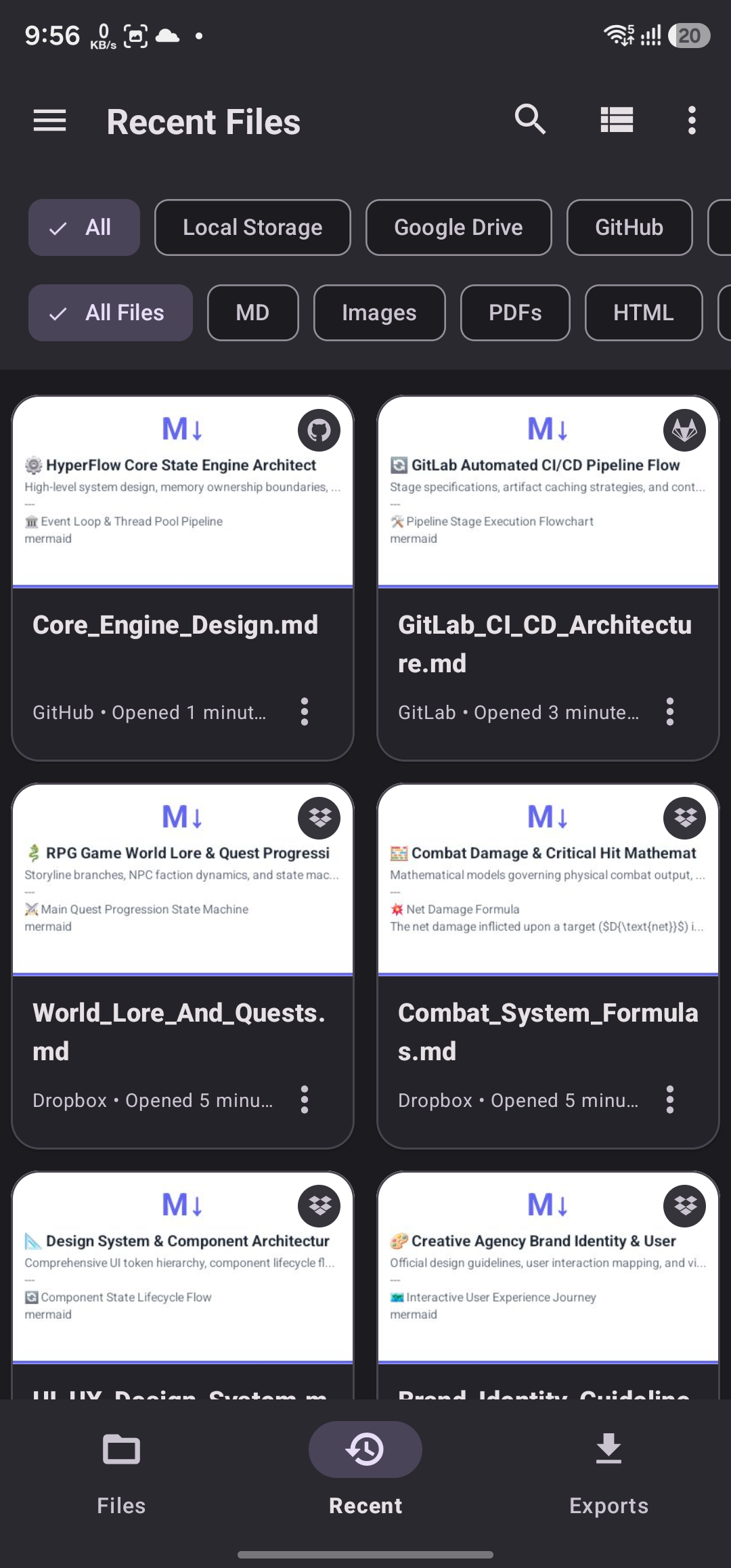
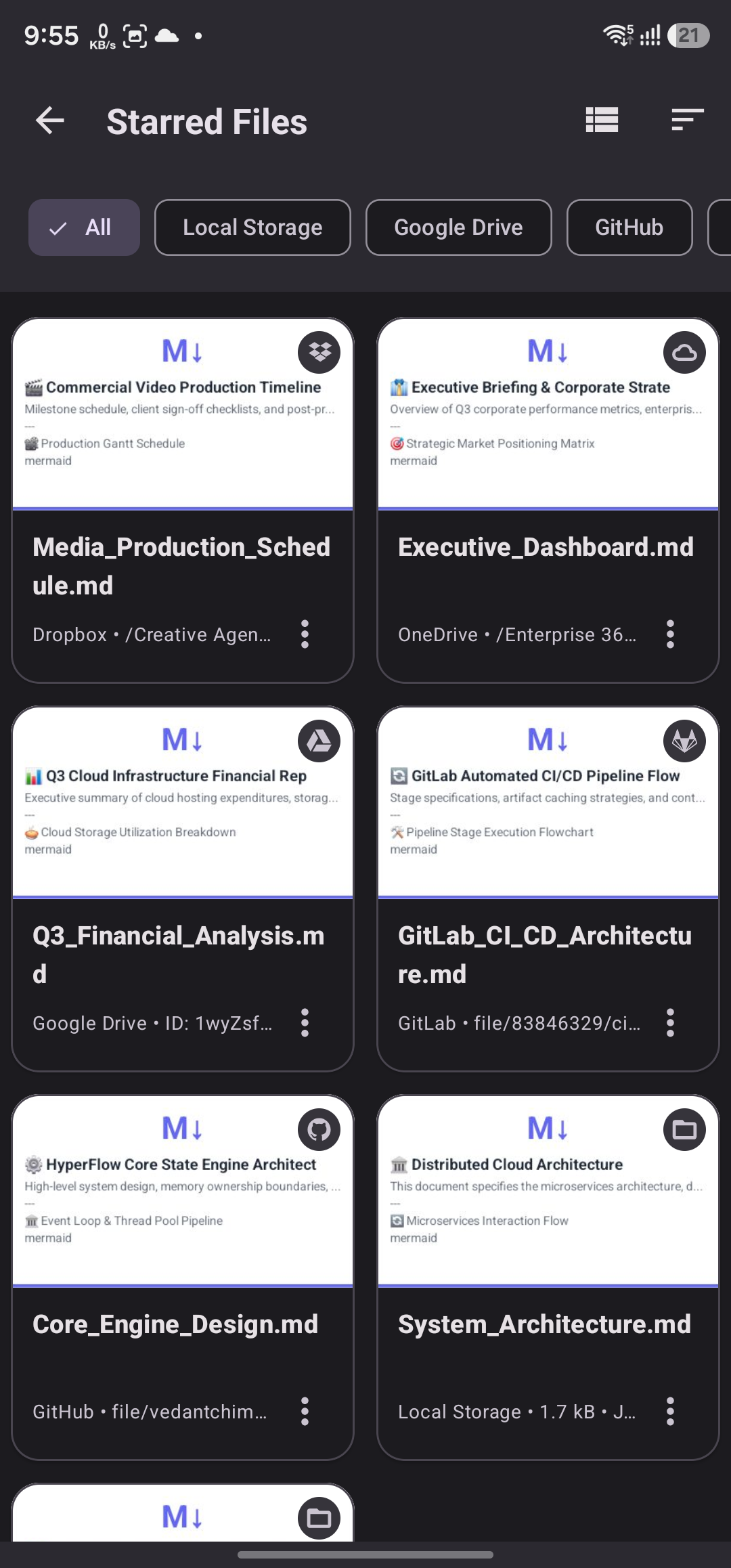
MerMD is a free, powerful Markdown viewer for Android that supports Mermaid diagrams, KaTeX math equations, syntax highlighting, and cloud storage integration with GitHub, Google Drive, GitLab, OneDrive, and Dropbox. It renders GitHub Flavored Markdown (GFM) with pixel-perfect precision and works entirely offline.
Can I view Mermaid diagrams on Android?
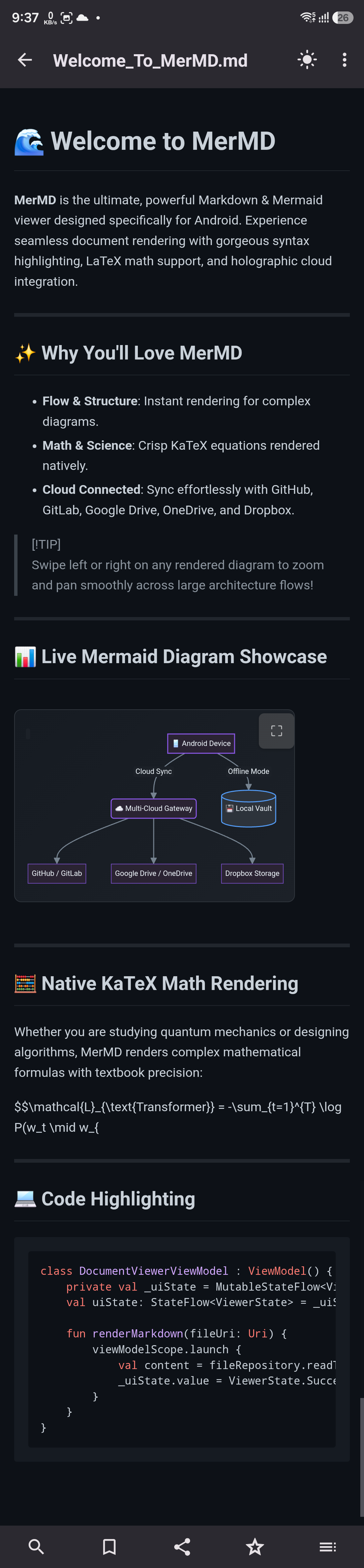
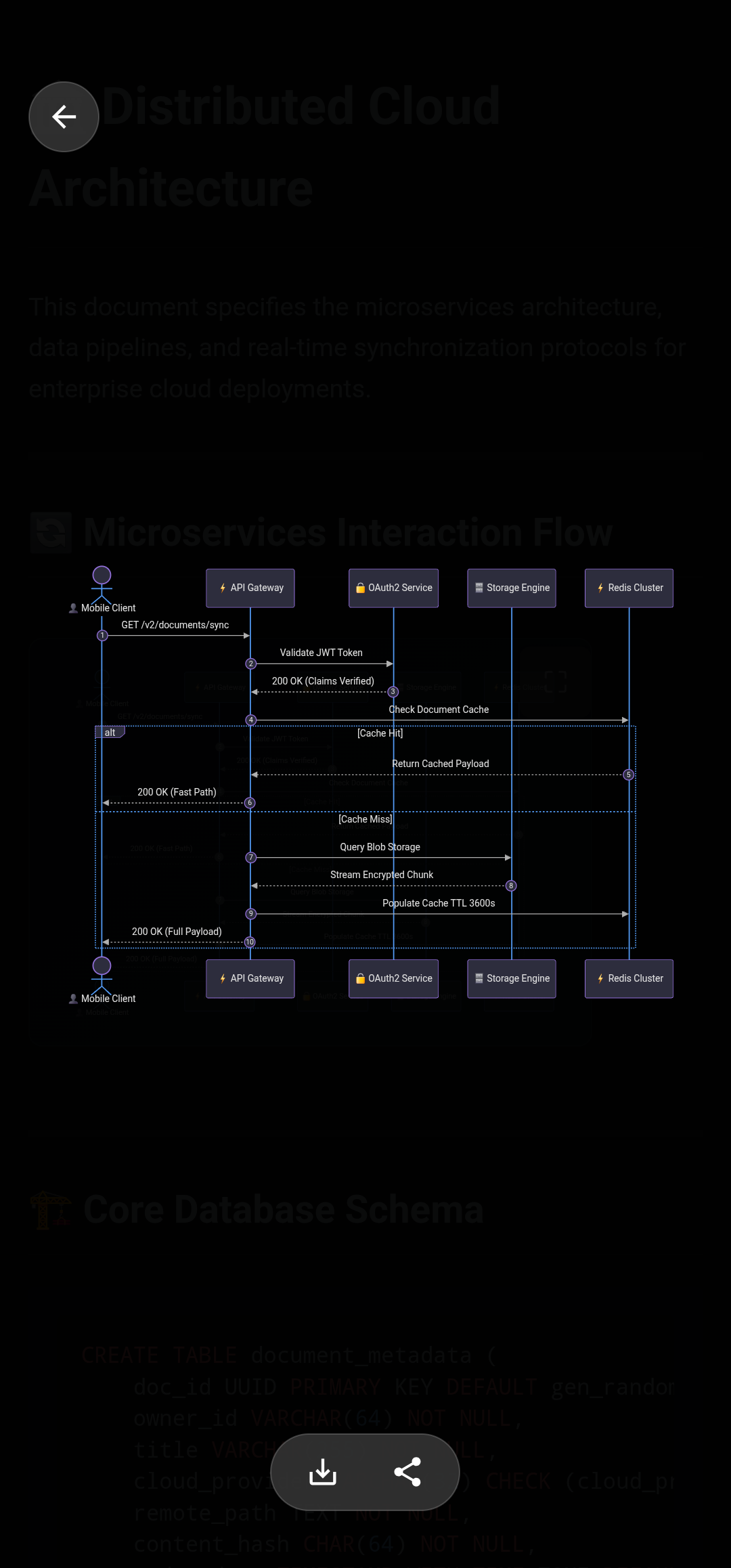
Yes! MerMD renders Mermaid diagrams natively on Android, including flowcharts, sequence diagrams, Gantt charts, class diagrams, pie charts, and ER diagrams — all rendered inline within your Markdown files. No external tools or internet connection required.
How do I open Markdown files from GitHub on my phone?
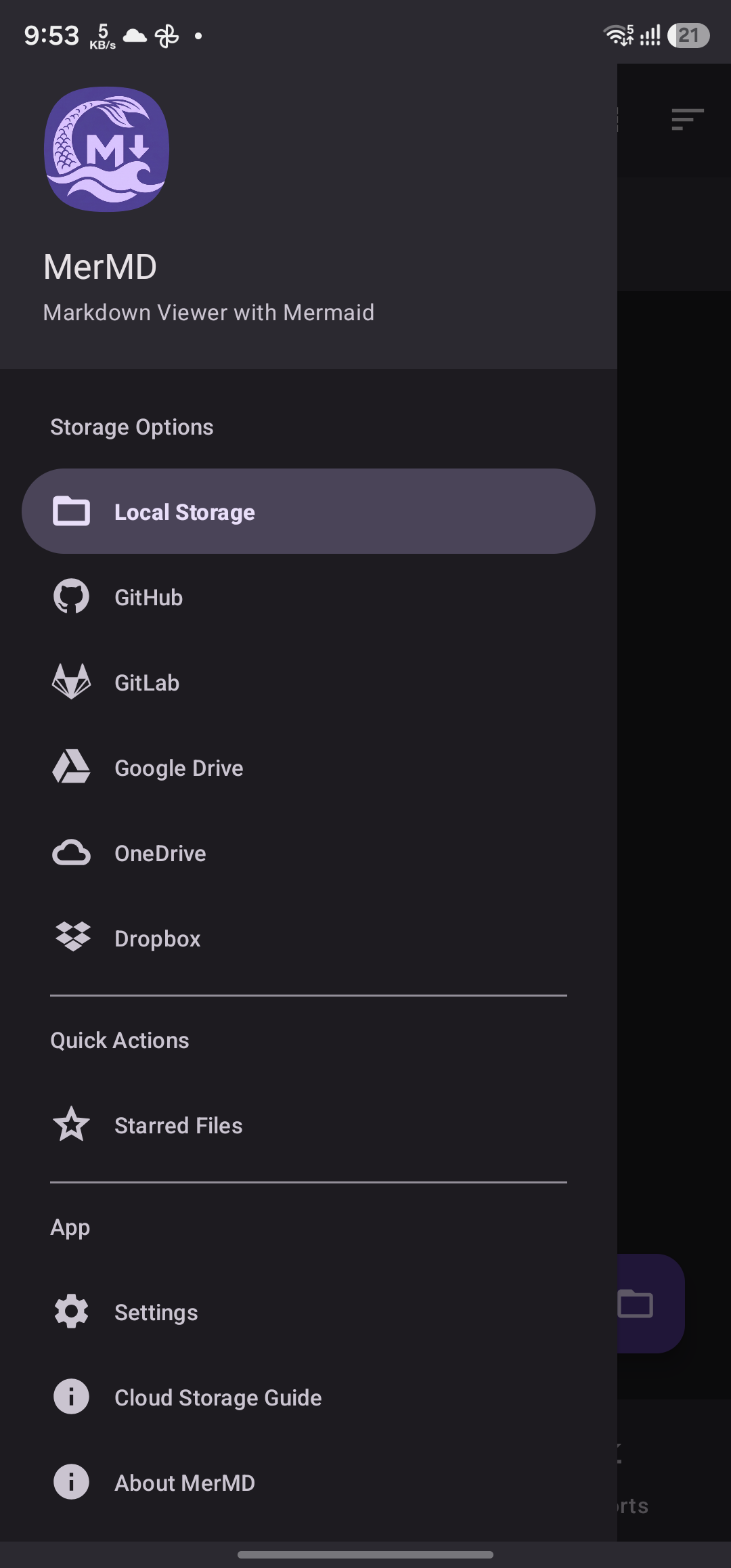
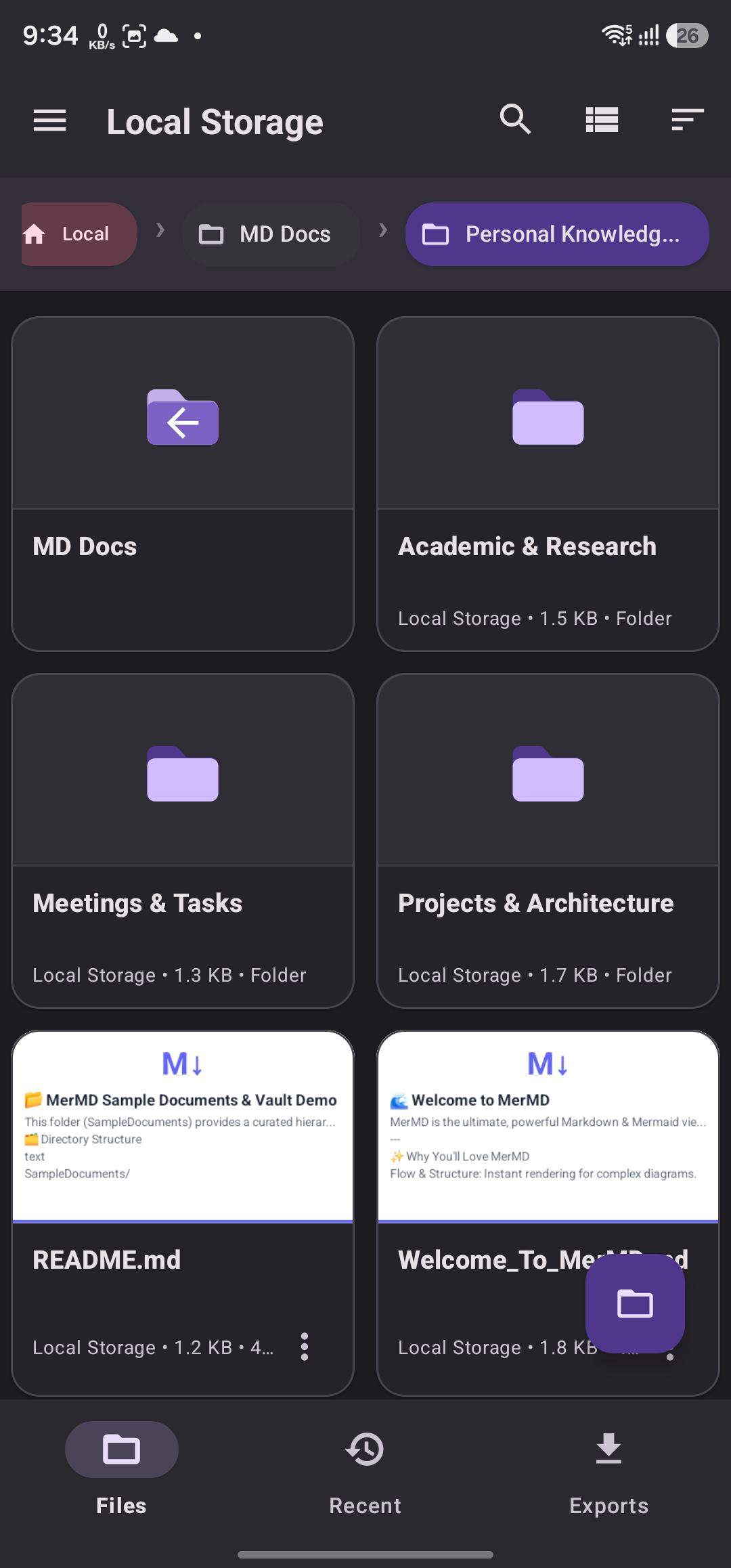
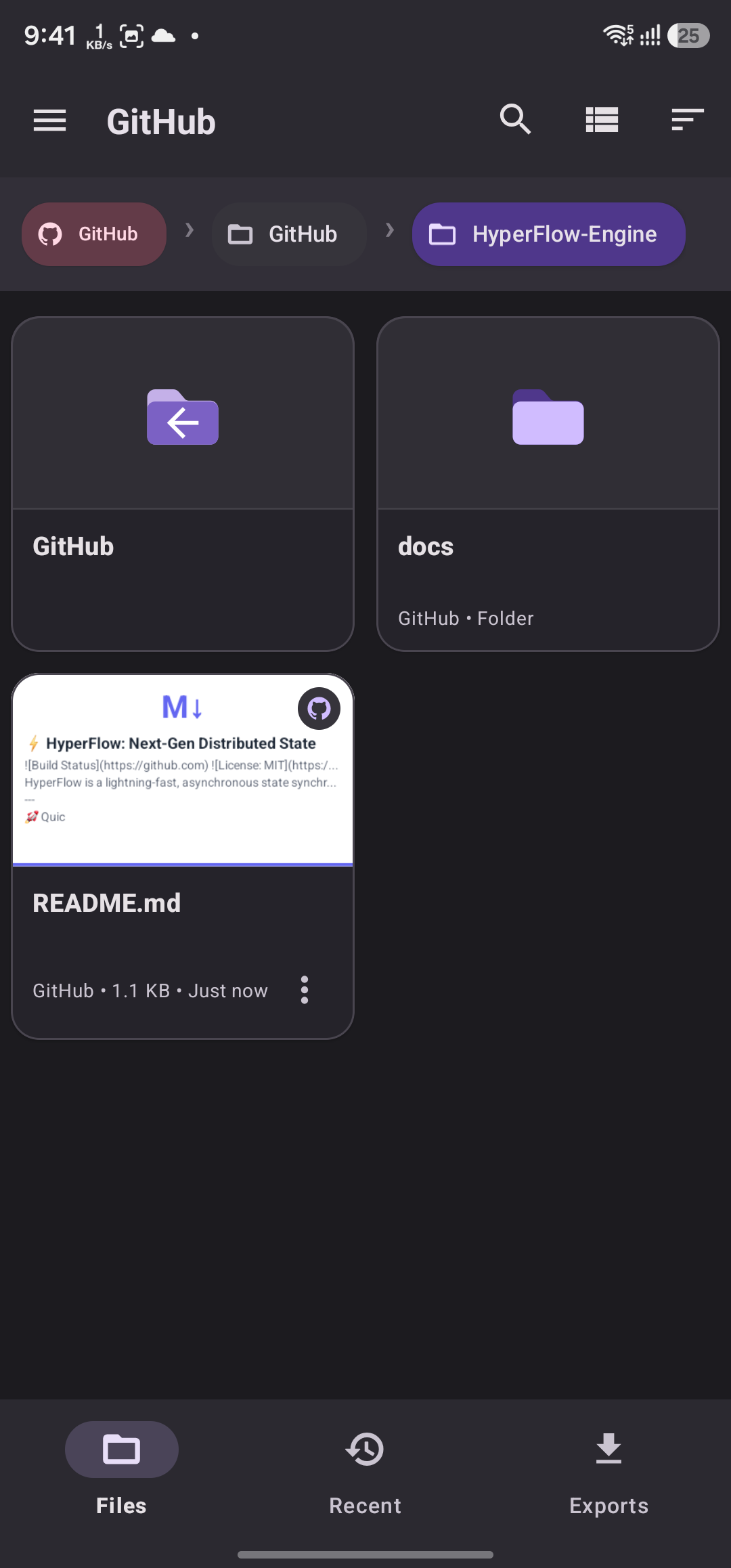
MerMD connects directly to your GitHub repositories, letting you browse and render Markdown files with full formatting, code highlighting, and diagram support — all from your Android device. It also supports GitLab, Google Drive, OneDrive, and Dropbox.
Is MerMD free to use?
Yes, MerMD is completely free to download and use from Google Play. It includes all features including Mermaid diagrams, KaTeX math, syntax highlighting, and cloud storage integration at no cost.
What file formats does MerMD support?
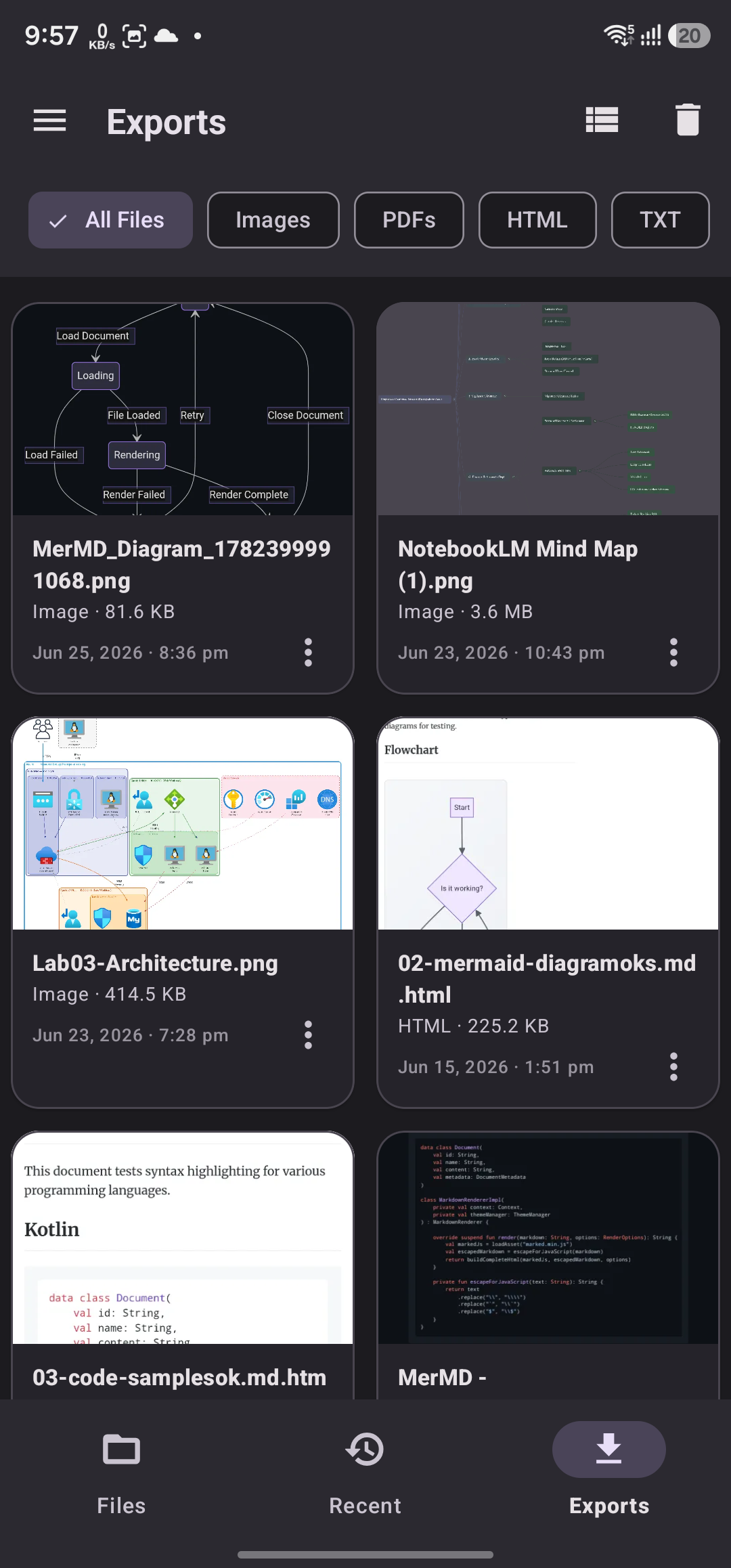
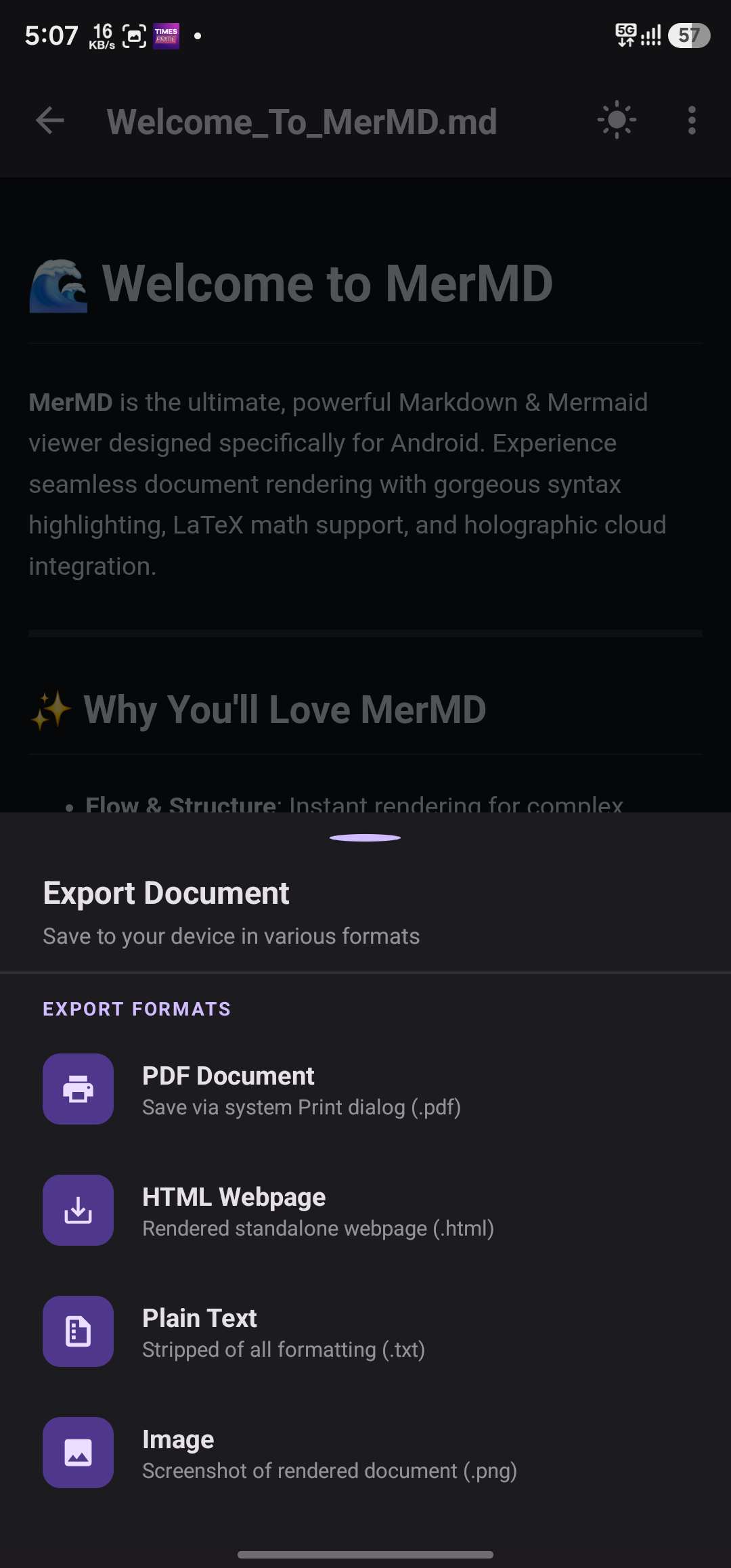
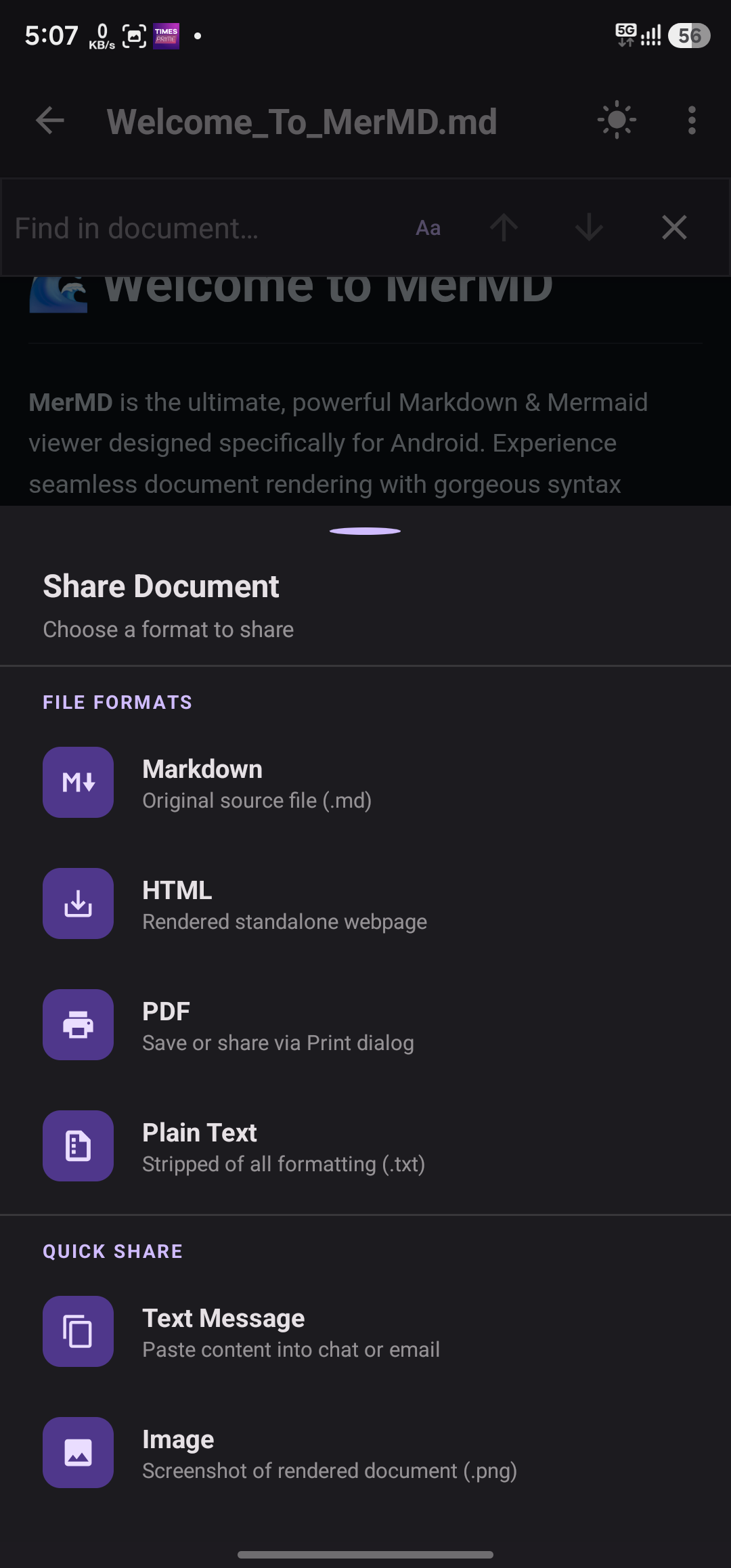
MerMD supports .md, .mdx, .markdown, and .txt files. It can also export rendered documents as PDF, HTML, and high-resolution images for easy sharing.
Does MerMD work offline?
Yes! MerMD is built with an offline-first architecture. All Markdown rendering, Mermaid diagram generation, KaTeX math equations, and syntax highlighting work completely offline without any internet connection.
How does MerMD compare to other Markdown apps on Android?
Unlike most Markdown apps that focus on editing, MerMD is a dedicated Markdown viewer and reader optimized for rendering quality. It's the only free Android app that combines native Mermaid diagram support, KaTeX math rendering, syntax highlighting for 20+ languages, and 5 cloud storage integrations (GitHub, GitLab, Google Drive, OneDrive, Dropbox) in a single app.
Can I customize the reading experience?
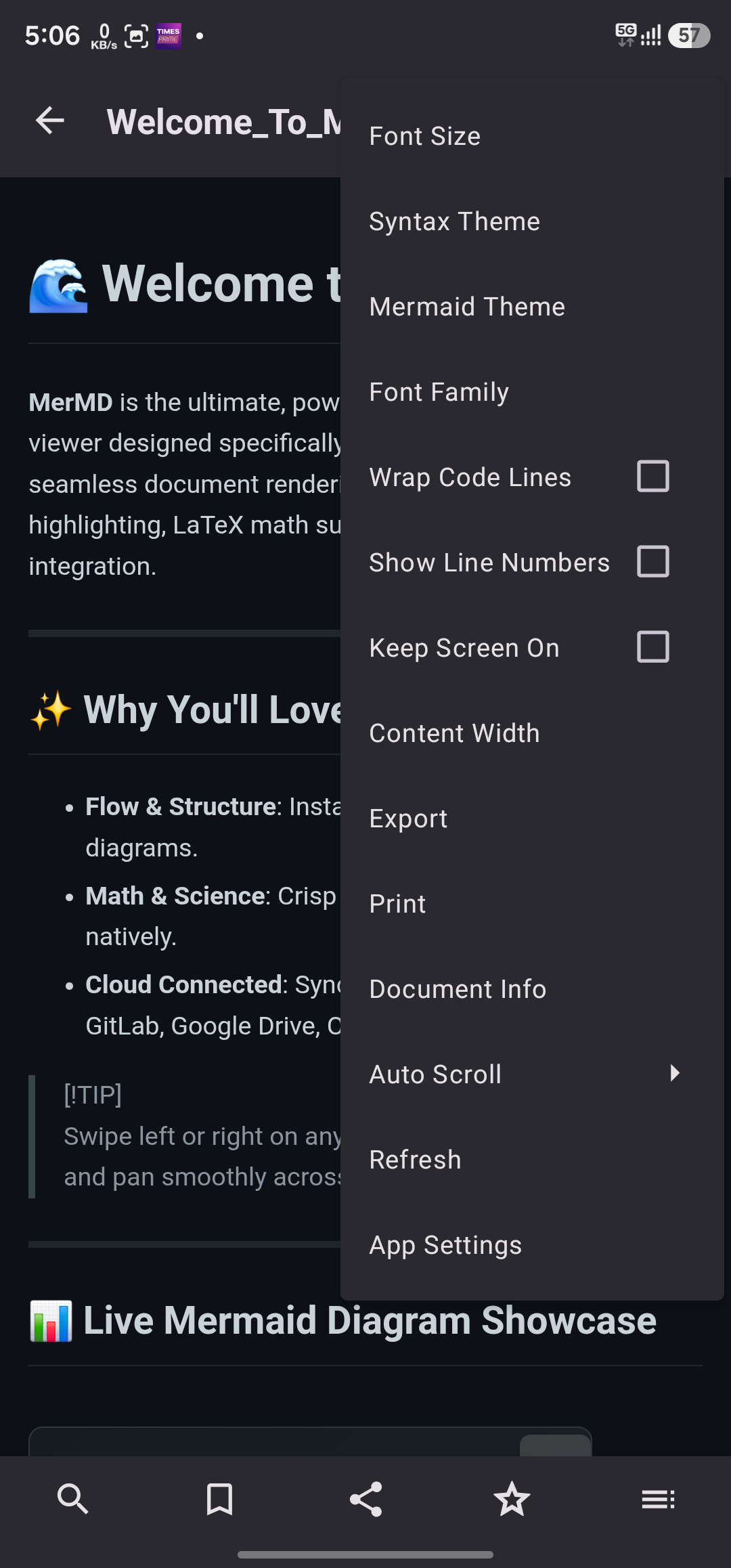
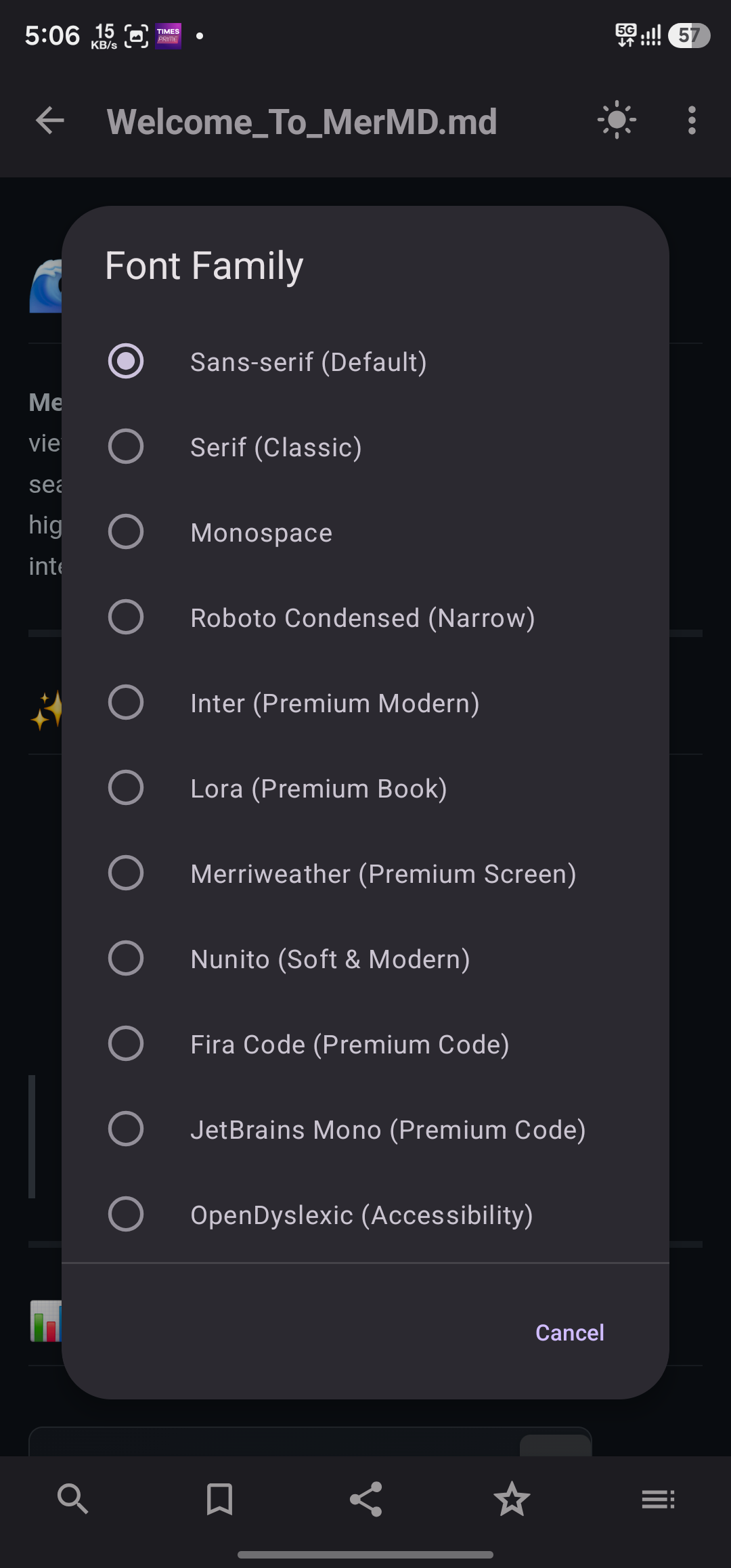
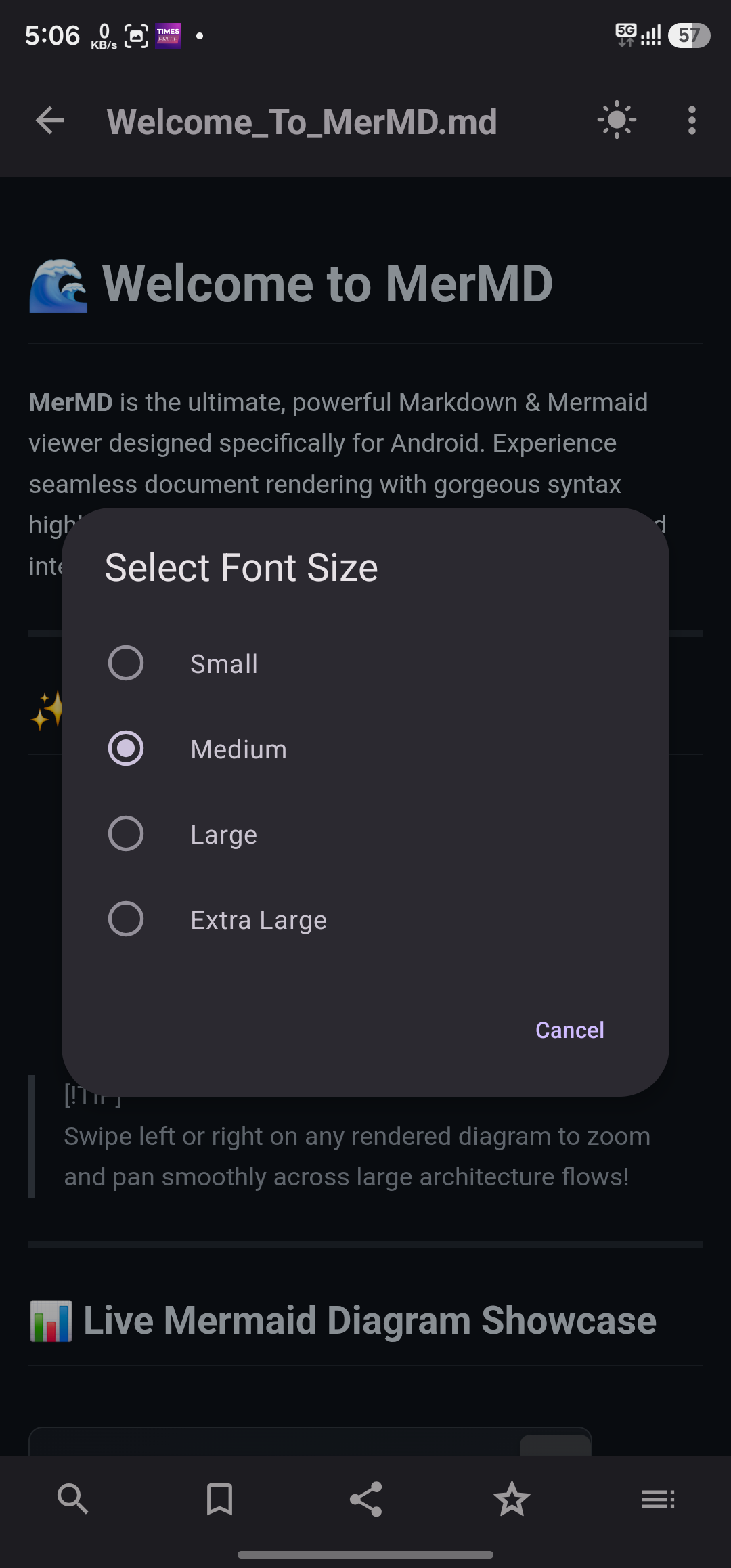
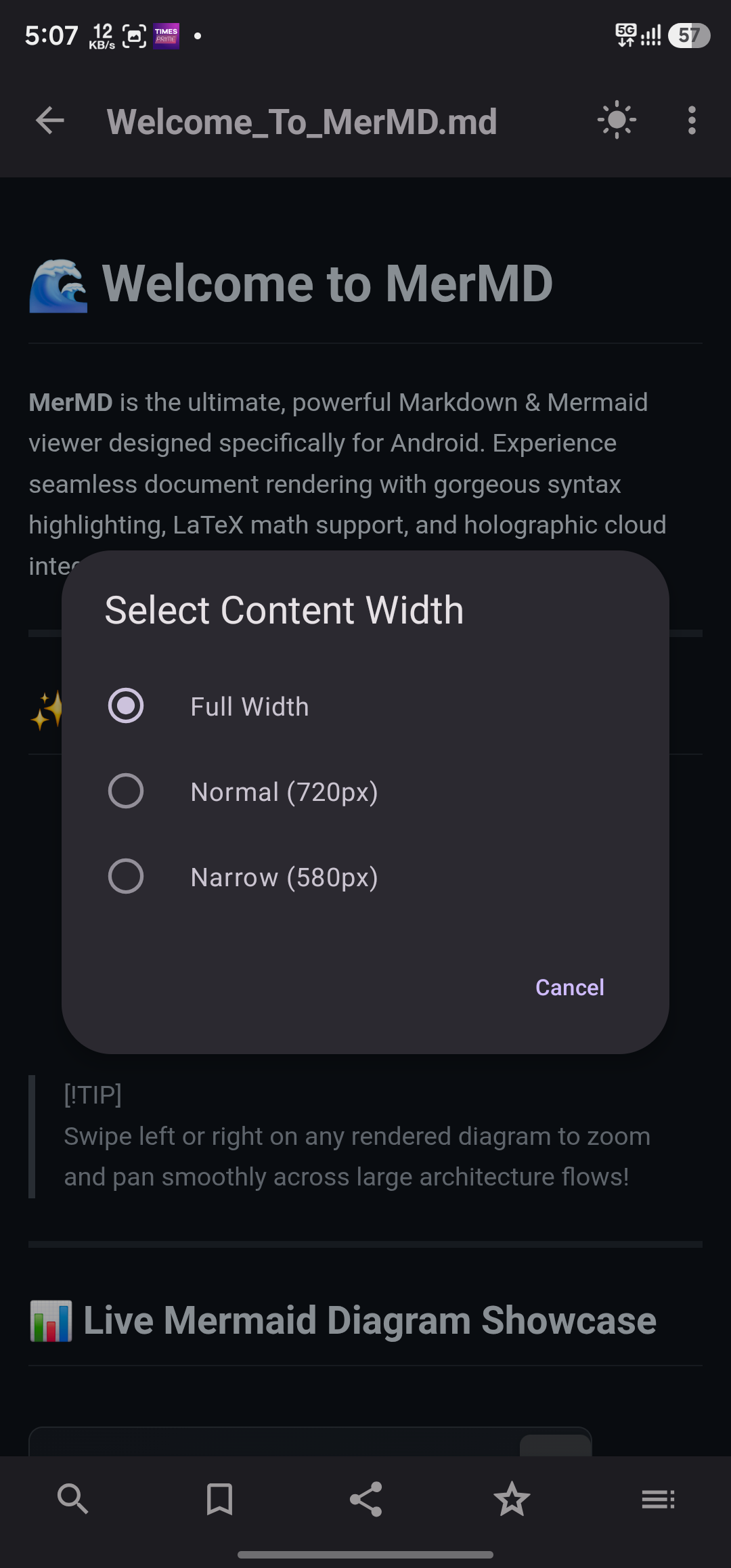
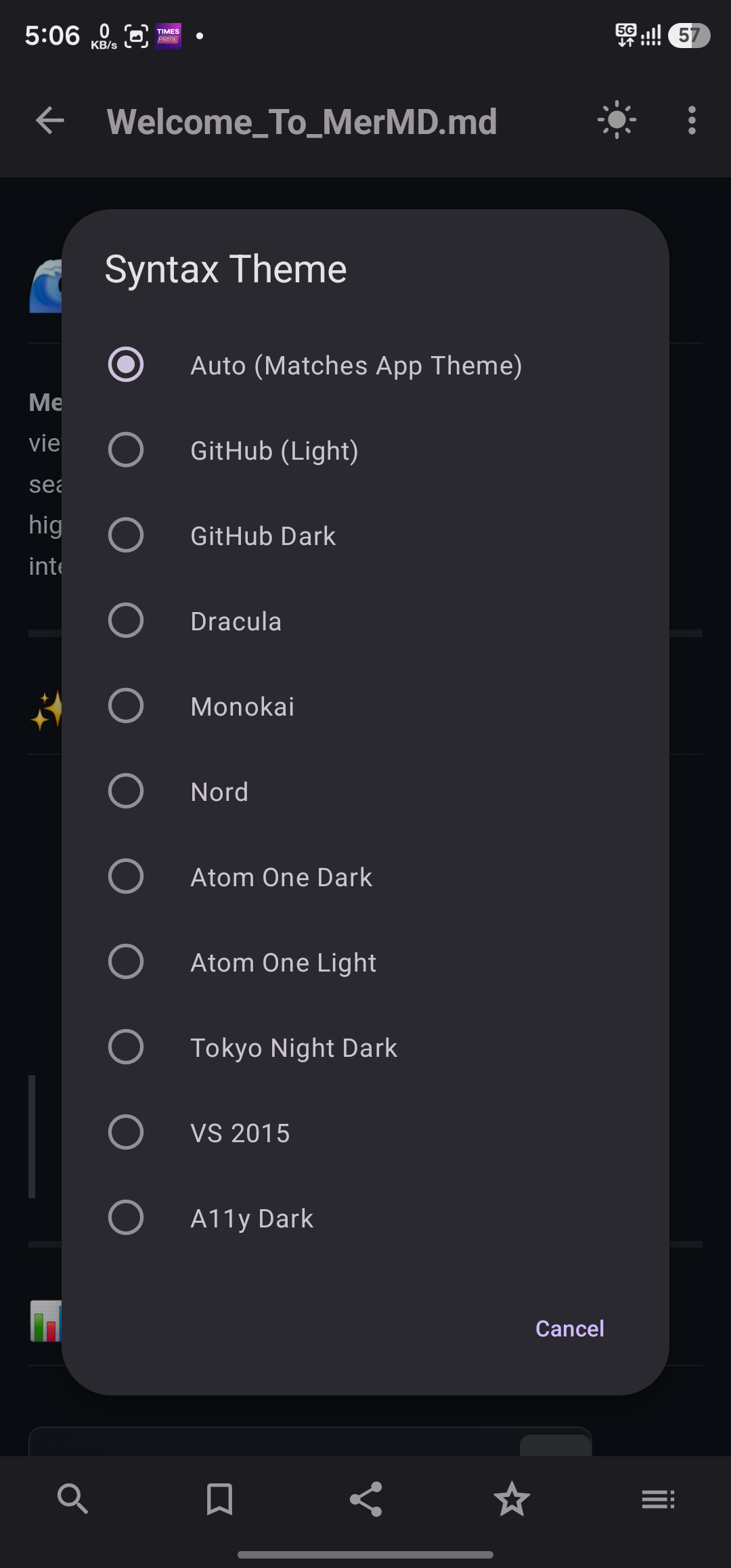
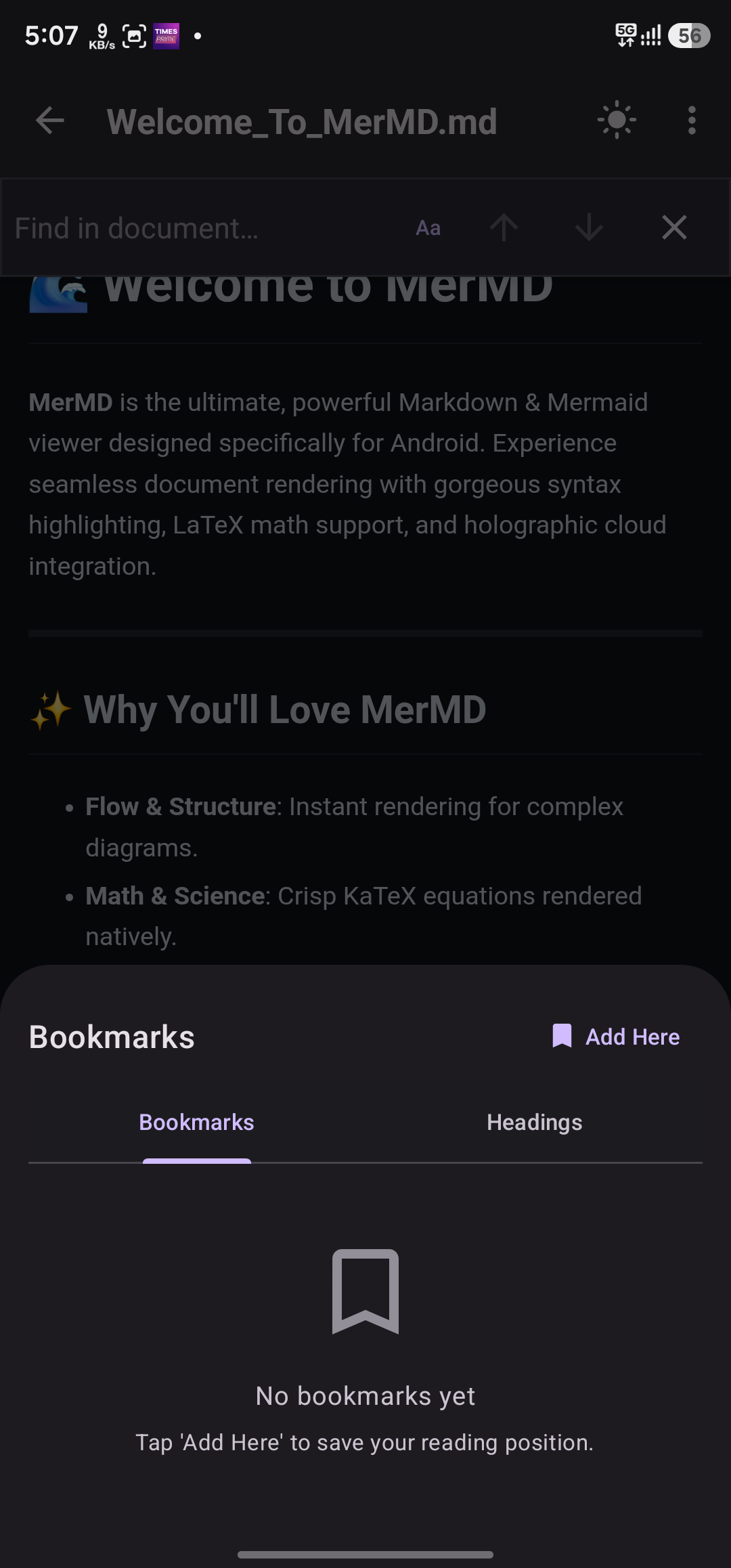
Absolutely! MerMD offers extensive customization: light, dark, and system-auto themes, adjustable font sizes and font families, multiple reader color themes, configurable reading width, and several syntax highlighting color schemes including Monokai, GitHub, and Dracula.
What types of Mermaid diagrams can MerMD render?
MerMD supports all major Mermaid diagram types: flowcharts, sequence diagrams, class diagrams, Gantt charts, ER diagrams (entity-relationship), pie charts, state diagrams, and user journey maps. All diagrams render natively on-device with no server required.
Can I access my Google Drive or Dropbox Markdown files?
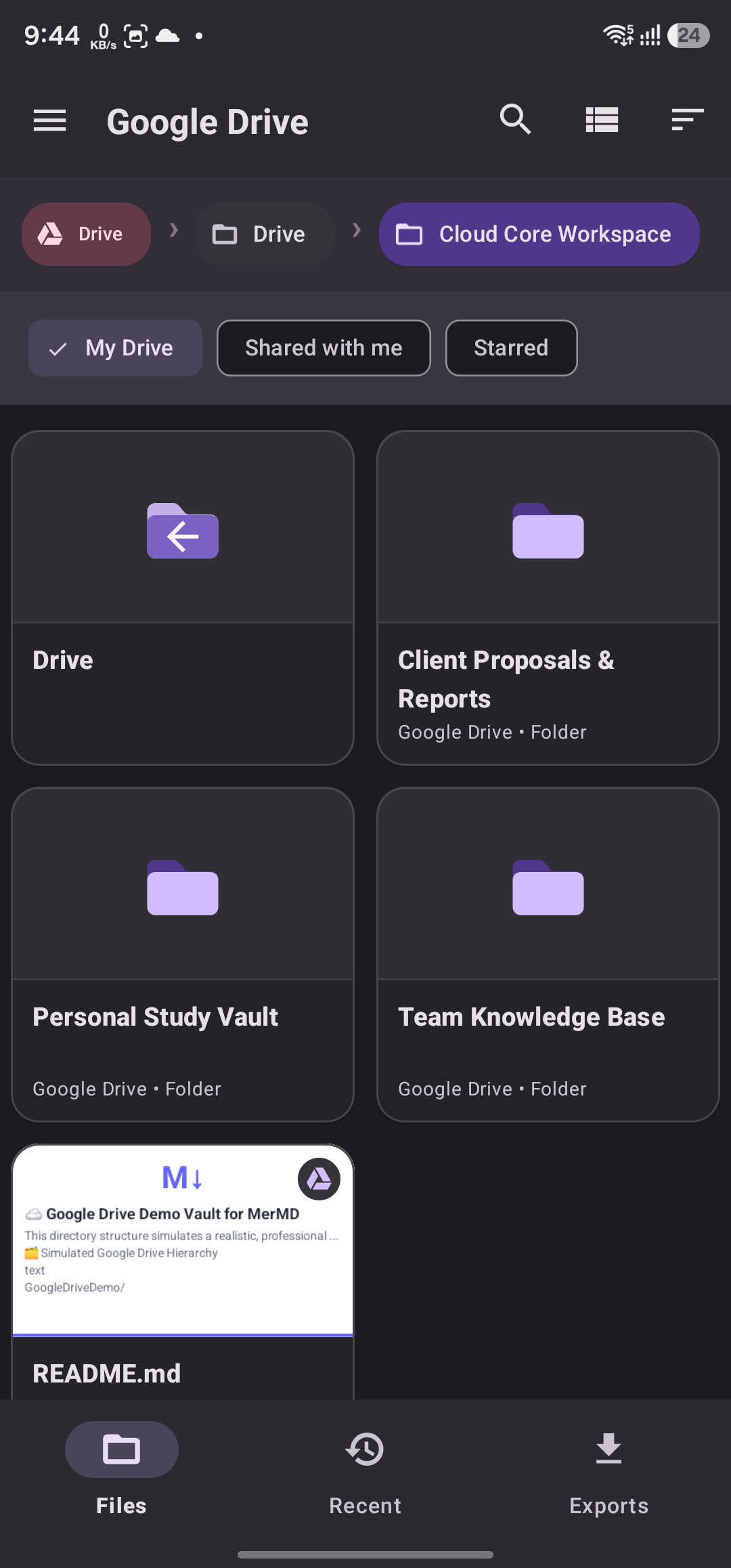
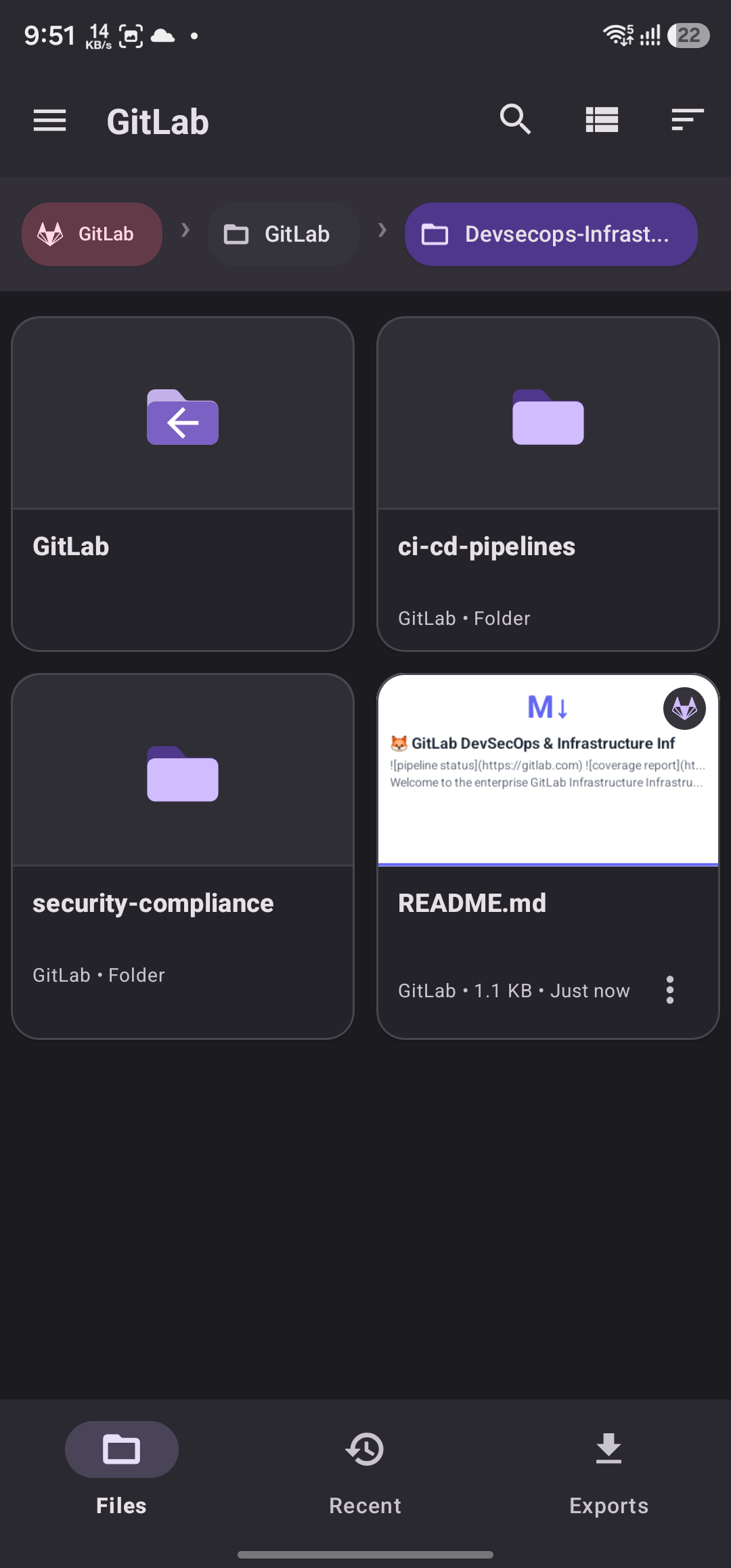
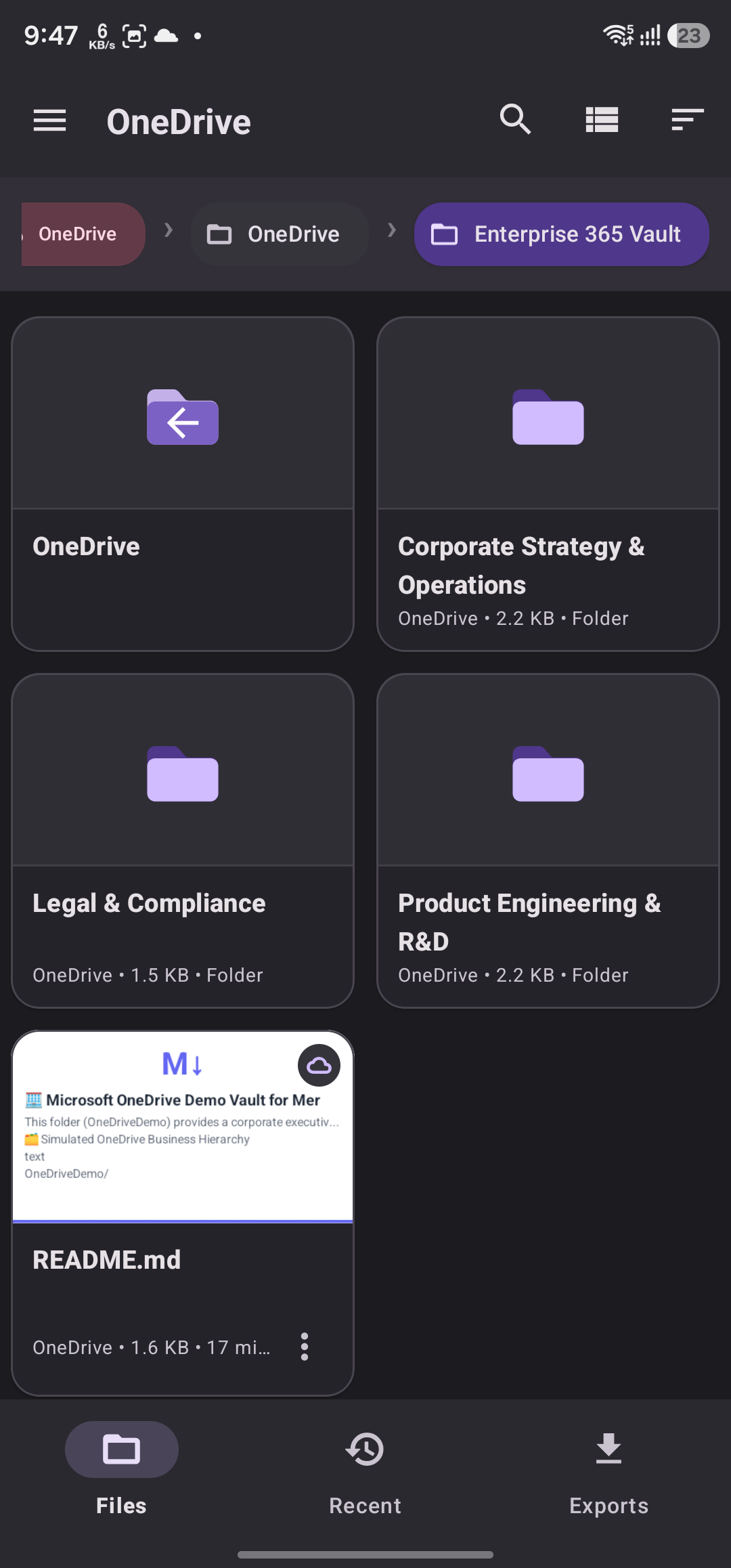
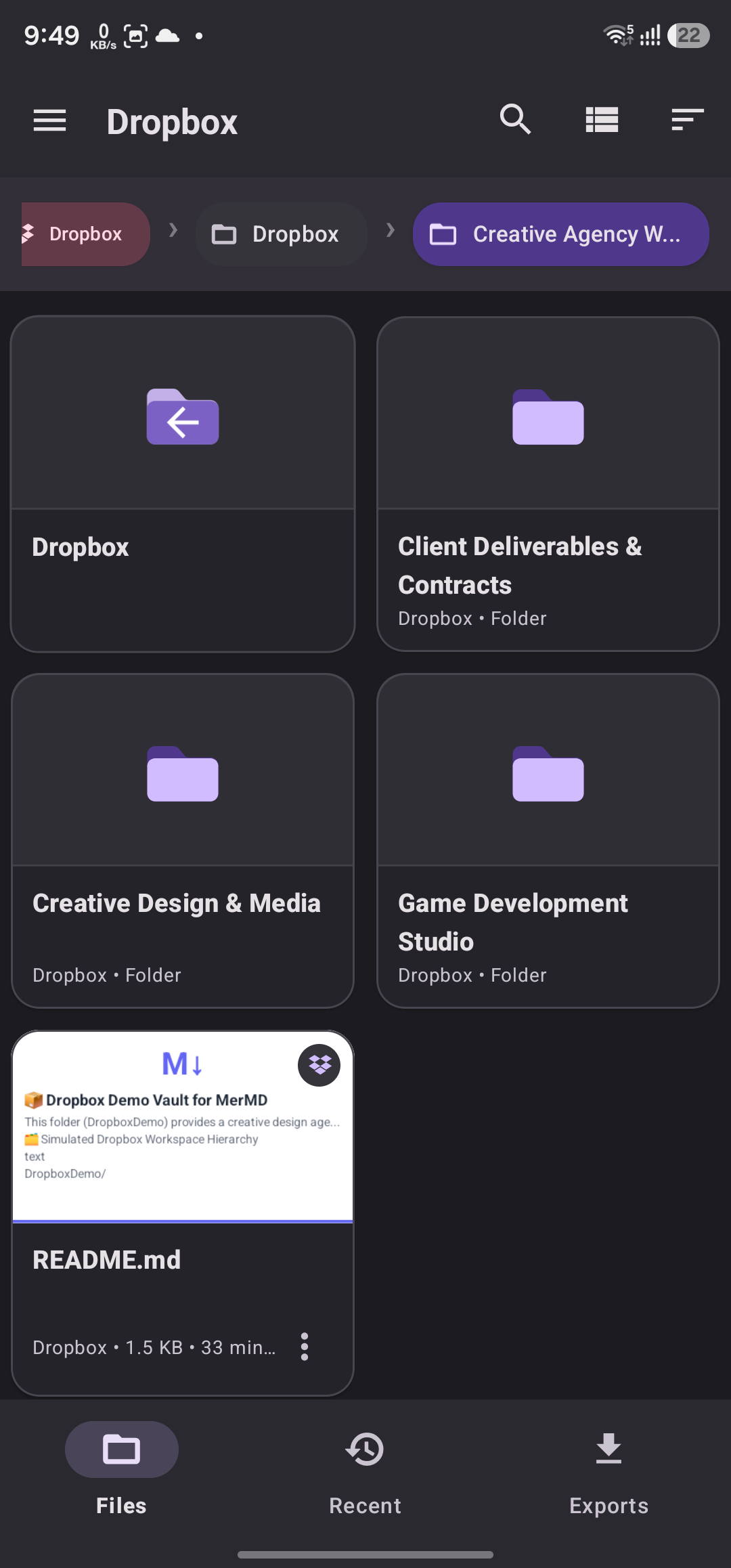
Yes! MerMD integrates with Google Drive, Dropbox, OneDrive, GitHub, and GitLab. Simply sign in to your cloud account within the app, and you can browse, open, and render any Markdown file stored in your cloud storage — with full diagram and math support.